


Juniper EtherChannel and Port Aggregation for QFX5100
In modern data centers, managing high network traffic and ensuring redundancy is crucial for maintaining operational continuity. On Juniper QFX5100 series switches, EtherChannel and Port Aggregation technologies play a significant role in increasing bandwidth and providing link redundancy by combining multiple physical Ethernet links into a single logical link. On Juniper devices, this feature is commonly referred to as “Link Aggregation” or “LAG,” which is supported by the IEEE 802.3ad standard (Link Aggregation Control Protocol – LACP) or through static configuration. These features are especially critical in environments where high performance and reliability are essential to meet the demands of enterprise-grade applications and services.
Juniper QFX5100 switch
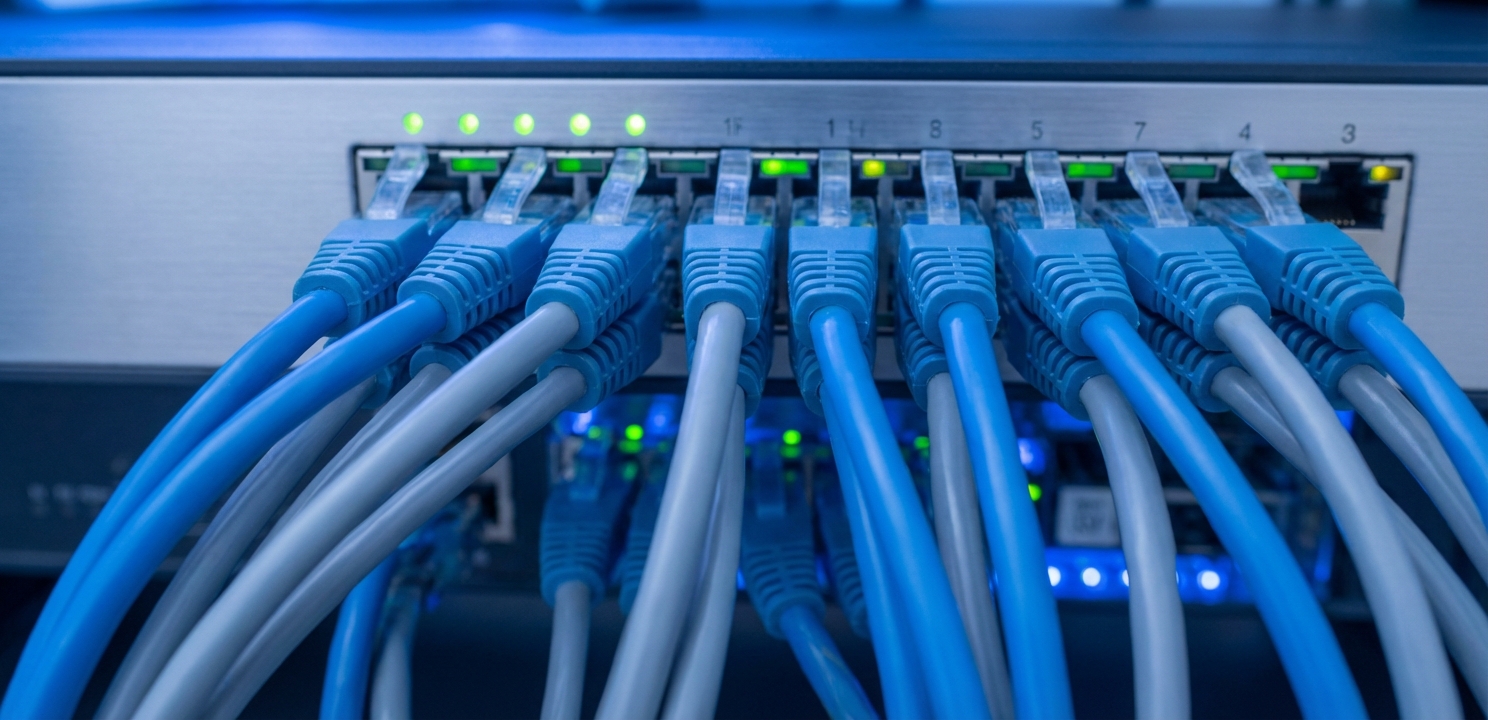
EtherChannel is a term developed by Cisco, which generally refers to the process of combining multiple Ethernet connections into one. Port Aggregation, on the other hand, is based on the principle that multiple ports act as a single port, providing high bandwidth and redundancy. On Juniper devices, this technology is known as LAG (Link Aggregation Group), which allows multiple physical interfaces to be aggregated under a single logical interface. This aggregation improves network performance, resilience, and flexibility, making it a crucial component in high-performance networks. By grouping these interfaces, the switch treats them as a unified pathway for data, ensuring that traffic can be distributed efficiently across the physical wires while presenting a single interface to the upper-layer protocols.
Configuring LAG on the Juniper QFX5100 is a straightforward process that can be done through the Junos operating system. The configuration involves assigning multiple ports to a LAG, which can be done either statically or dynamically using LACP (Link Aggregation Control Protocol). Below is a step-by-step guide on how to set up LAG:
To create a LAG, you need to assign multiple ports to a LAG interface. This step involves configuring each port you want to include in the LAG with the appropriate LAG interface. By designating specific physical interfaces—such as the xe-series ports found on the QFX5100—to be part of a logical bundle, you effectively bind them together. This ensures that the system recognizes the collection of cables as a single aggregated Ethernet (ae) interface, which is the foundation for establishing a high-capacity trunk.
LACP can be used to dynamically manage and configure the LAG. LACP automatically adds and removes ports from the LAG based on the current network conditions, ensuring optimal performance and redundancy. This dynamic configuration is beneficial in environments where network conditions may change frequently. Because LACP actively monitors the status of the link partners, it can detect failures that a static configuration might miss, such as a media converter failure or a misconfiguration on the remote end, thereby preventing packet loss.
You can choose to configure the ports in a LAG statically, without using LACP, or dynamically with LACP. Static configuration is simpler but offers less flexibility compared to dynamic configuration with LACP, which can adapt to changes in the network environment automatically. While static setup forces the ports to be always up and forwarding, dynamic negotiation ensures that both sides of the link are correctly configured and ready to receive traffic before the link is fully established.
Here is an example of a simple LAG configuration on a Juniper QFX5100 switch using the Junos operating system. This example demonstrates how to associate physical interfaces with a logical interface and enable LACP in active mode:
set interfaces xe-0/0/0 ether-options 802.3ad ae0
set interfaces xe-0/0/1 ether-options 802.3ad ae0
set interfaces ae0 aggregated-ether-options lacp active
set interfaces ae0 unit 0 family inet address 192.168.1.1/24
LAG provides several key benefits that are essential for modern networking, particularly in data centers and other environments where high availability and performance are critical:
If a problem occurs on a single link within the LAG, traffic is automatically rerouted to the remaining active links. This redundancy minimizes network outages and ensures that the network remains operational even in the event of a link failure. Unlike a single cable connection where a cut wire results in total service loss, a LAG allows the connection to survive with reduced bandwidth, giving administrators time to repair the fault without impacting uptime.
By combining multiple physical links into a single logical link, LAG increases the total available bandwidth. This is especially beneficial in environments with high data throughput requirements, as it allows for more data to be transmitted simultaneously. For example, aggregating two 10GbE links effectively provides a 20GbE pipe, allowing the network to handle traffic spikes that would otherwise congest a single interface.
LAG offers flexibility and scalability by allowing additional connections to be added as needed. As network demands grow, more physical links can be added to the LAG, increasing the available bandwidth and ensuring the network can scale to meet future requirements. This modular approach allows network architects to expand capacity incrementally without needing to replace the existing hardware infrastructure.
EtherChannel and Port Aggregation (LAG) on the Juniper QFX5100 are vital technologies that provide high bandwidth, redundancy, and resilience in data center networks. These features ensure that your network can handle today’s high data volumes and remain operational even during link failures. By properly configuring LAG, you can significantly improve your network’s performance and reliability, making it a crucial component in any high-performance network infrastructure. For more detailed insights, visit the page.





















