


CyberPanel Integration with Hosting Providers
CyberPanel stands out as a powerful and efficient control panel, granting users the ability to manage their web hosting environments and server resources with considerable ease. The true potential of this control panel is unlocked when its capabilities are enhanced through CyberPanel Integration with various hosting providers. This synergy creates a seamless and unified experience for managing all aspects of hosting services directly from a single, intuitive interface. A proper integration simplifies server management, automates critical tasks, and significantly boosts overall performance. This guide explores the tangible benefits of this integration, provides a clear walkthrough of the implementation process, details its underlying technical structure, and underscores its importance for modern web management. Successfully integrating CyberPanel with a hosting provider is a strategic move to streamline website and server administration, making complex operations more accessible and efficient.
Connecting CyberPanel directly with your hosting provider’s infrastructure offers a multitude of advantages that enhance the entire hosting experience. These benefits are centered around simplification, automation, and performance optimization, which collectively contribute to a more robust and user-friendly management environment. By leveraging a direct API connection, users can bypass many of the traditional complexities associated with server administration.
One of the most significant benefits of integration is the simplification of hosting service management. It consolidates control into the CyberPanel dashboard, eliminating the need to switch between the control panel and the hosting provider’s separate client area. This centralized approach enables users to efficiently provision, manage, and monitor server resources such as CPU, RAM, and disk space. The ability to allocate these resources effectively from one location results in faster, more reliable, and more responsive server operations, ensuring that your websites and applications perform optimally.
Integration facilitates the automation of numerous essential yet often time-consuming tasks. Routine operations like domain redirections, DNS record management, file transfers between servers, and the creation of backups can be configured to run automatically. This level of automation minimizes the need for direct manual intervention, which not only saves a considerable amount of time for developers and administrators but also drastically reduces the risk of human error. By automating these processes, teams can dedicate more focus to development and content creation rather than routine server maintenance.
With a direct integration between CyberPanel and the hosting provider, users benefit from a highly efficient and fast hosting environment. The seamless communication enabled by the API ensures that actions performed within CyberPanel are executed instantly on the hosting infrastructure. This optimization of server and hosting resources ensures that websites load faster and applications run more smoothly. By automating resource management and streamlining tasks, the integration ensures a more responsive hosting environment, which is crucial for delivering an excellent user experience and improving search engine rankings.

Integrating CyberPanel with hosting providers is a structured process that, when followed correctly, establishes a powerful and secure connection for streamlined server management. The exact steps can vary slightly depending on the specific hosting provider, so it is always crucial to consult their official documentation for precise instructions. However, the general process involves a few key stages to ensure a successful setup.
To get started, follow these foundational steps to connect CyberPanel with your chosen hosting service:
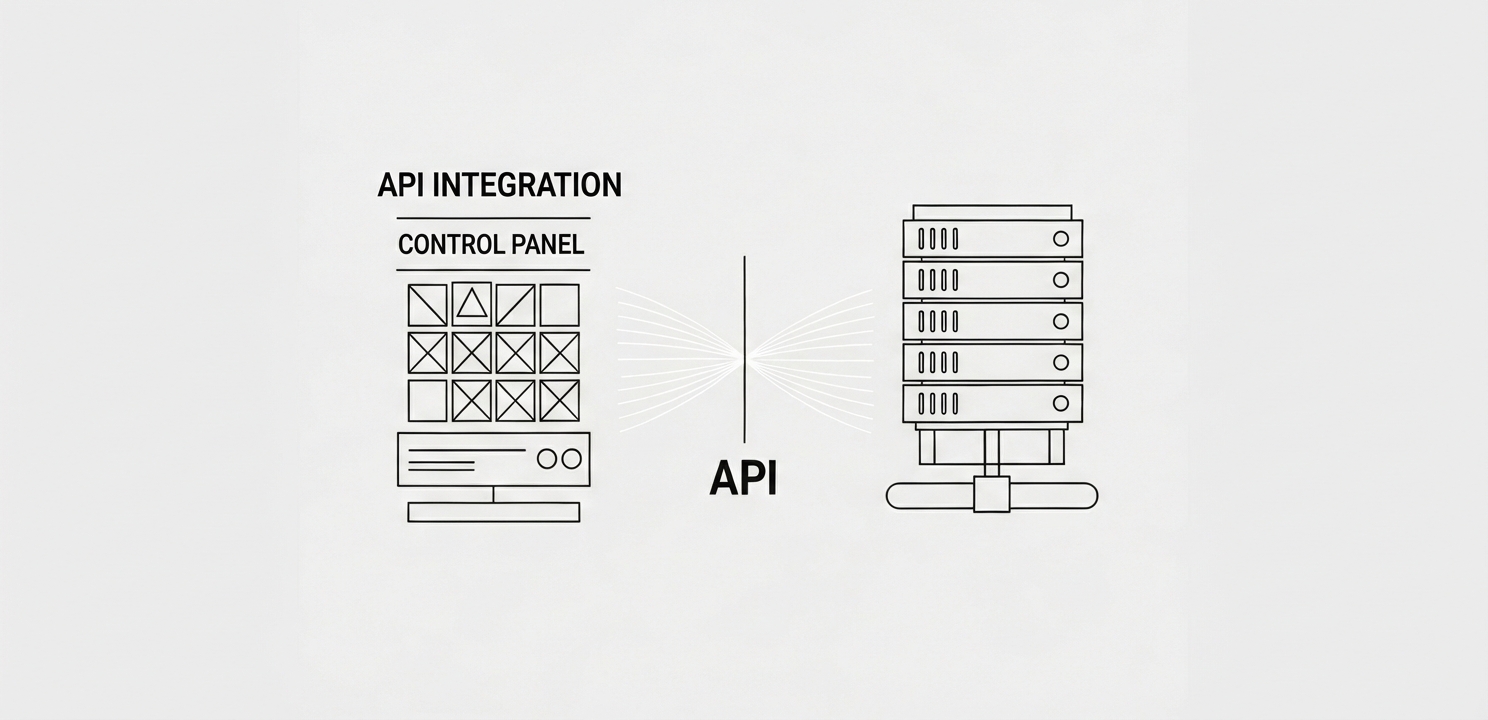
The integration between CyberPanel and hosting providers is primarily built upon the foundation of Application Programming Interfaces (APIs). Hosting providers develop and offer robust APIs that allow third-party applications like CyberPanel to interact with their services programmatically and seamlessly. This structure is what enables the automation and centralized management that make the integration so valuable. Secure API keys and other credentials are used to authenticate and authorize requests, establishing a trusted and secure connection between the two systems. This secure channel is essential for enabling efficient communication and the reliable execution of administrative tasks without compromising server security. The API defines a set of rules and protocols for how CyberPanel can request information or command actions from the hosting provider’s infrastructure, effectively allowing the two distinct systems to speak the same language.
A well-executed integration is more than just a convenience; it is a critical component for achieving an efficient and user-friendly hosting environment. The importance of this synergy is evident in its impact on both usability and operational productivity, making advanced server management accessible to a broader range of users.
Perhaps the most immediate advantage of integration is how much easier it makes managing hosting services. By channeling all management functions through CyberPanel’s user-friendly graphical interface, it effectively eliminates the need for users to possess deep technical knowledge or command-line expertise. This accessibility empowers a wider audience, from small business owners to individual developers, to manage their web hosting environment confidently and without a steep learning curve.
From an operational standpoint, the efficiency gains are substantial. By automating repetitive processes and optimizing the use of server resources, the integration ensures a faster and more responsive hosting environment. This enhanced efficiency translates into reduced administrative overhead, lower potential for manual errors, and faster deployment times. Ultimately, this allows businesses and technical teams to operate more effectively, dedicating their valuable time and resources toward growth and innovation instead of getting bogged down in routine server maintenance.





















