


Managing Domains and Hosting Accounts in Plesk Panel
Efficiently managing domain names and their corresponding hosting accounts is a fundamental task for any web server administrator or website owner. The Plesk Panel is an exceptionally versatile and user-friendly web hosting control panel designed to simplify these complex processes. It provides a centralized and intuitive interface that streamlines the administration of websites, domains, and server resources, making it a preferred choice for hosting providers and end-users alike. This comprehensive guide will explore the essential aspects of managing your digital assets within the Plesk environment, from adding your first domain to configuring detailed hosting parameters.
The power of the Plesk Panel lies in its ability to consolidate numerous administrative tasks into a single, accessible dashboard. Without such a tool, administrators would need to rely on command-line interfaces and manual configuration file editing, which can be time-consuming and prone to error. Plesk abstracts this complexity, allowing for seamless management of everything from DNS settings to application deployment. For those new to web hosting, the platform offers a structured and guided experience, while seasoned professionals can leverage its advanced features for fine-grained control. You can find extensive official information in the Plesk Obsidian documentation.
Your journey into managing web services begins with accessing the Plesk dashboard. Typically, you will log in using credentials provided by your hosting company through a specific URL, often ending in port 8443. Once logged in, you are greeted with an organized and clean interface that serves as your central command center. This dashboard is intelligently designed to provide quick access to the most common tasks, such as creating websites, managing domain settings, and setting up email accounts. For administrators overseeing multiple clients or websites, Plesk offers different user roles and subscription models, allowing you to allocate resources and permissions securely and efficiently. This multi-level access is crucial for maintaining a secure and organized server environment.
The first step in bringing a website online is adding a domain name to the server. Plesk makes this a straightforward procedure that can be accomplished in just a few clicks, eliminating the need for complex manual server configuration.
To associate a new domain with your hosting account, you will use the “Add Domain” feature, which initiates a simple setup wizard. This process involves more than just registering the name; it configures the server to recognize and handle requests for that specific domain. The steps are clear and logical:
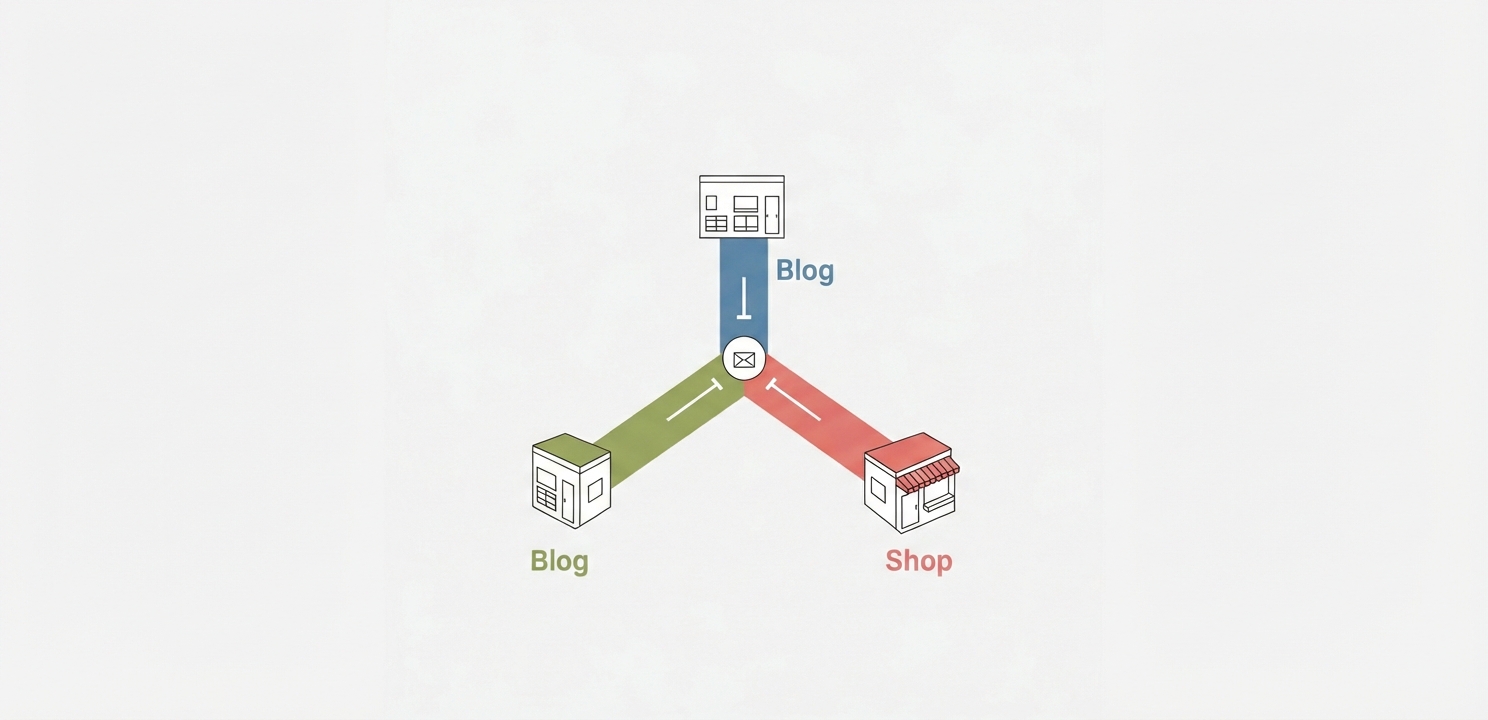
Subdomains are a powerful tool for organizing your website’s content into distinct sections, such as blog.yourdomain.com or shop.yourdomain.com. In Plesk, creating a subdomain is just as simple as adding a primary domain. By navigating to the “Subdomains” section within a domain’s management interface, you can quickly establish these website divisions. Each subdomain functions as an independent website with its own document root and can have its own specific hosting settings, SSL certificates, and application installations, offering immense flexibility for structuring your web presence.

Once a domain is added, the next step is to create and manage its hosting account. This involves defining the specific resources and technologies the website can use, ensuring optimal performance and security.
When you add a domain and select “Website hosting,” you are effectively creating its hosting account. During this process, or by editing the account later, you can define a wide range of parameters. These settings dictate the environment in which your website operates. Key configurations include enabling FTP access for file transfers, granting SSH access for secure command-line management, and assigning SSL/TLS certificates to encrypt data. You can also specify PHP settings, such as the version and memory limits, to match the requirements of your web applications.
Ongoing management ensures that your websites remain secure and performant. The Plesk Panel provides all the necessary tools to modify hosting parameters as your needs evolve. You can easily adjust disk space allocation, change PHP versions, or manage FTP user accounts directly from the interface. Furthermore, Plesk simplifies the installation of popular web applications. Through the “Applications” section, you can deploy content management systems like WordPress, Joomla, or Magento with a single click, automating the entire setup process from database creation to file configuration.
Proper Domain Name System (DNS) management is critical for a website’s accessibility. Plesk offers a robust DNS management interface where you can control various record types. This includes creating and editing A records to point a domain to a specific IP address, MX records to direct email to your mail server, and CNAME records to alias one domain to another. This level of control ensures that both your website and email services function seamlessly and reliably.





















