


7 Key Insights on Traffic Analysis in Plesk Panel for Website Optimization
The Plesk Panel is a powerful web hosting control panel that provides a suite of tools for efficient website management. A critical function within Plesk is its capacity for robust Traffic Analysis, which empowers website owners to monitor and interpret detailed site statistics. Leveraging these insights is fundamental for effective website optimization, allowing administrators to make data-driven decisions that enhance their online presence. Understanding how to navigate, interpret, and apply the traffic data available in Plesk is the first step toward refining your digital strategy and achieving your performance goals. Proper traffic analysis helps you connect with your audience, improve user experience, and drive growth.
By regularly engaging with the analytics tools provided, you can transform raw data into an actionable roadmap for improvement. Whether you are tracking visitor engagement or identifying top-performing content, the information available within the Plesk Panel serves as a critical resource. This guide explores the key aspects of accessing and utilizing these powerful features to unlock your website’s full potential.
Accessing your website’s traffic statistics in the Plesk Panel is a straightforward process designed for clarity and ease of use. To begin, log in to your Plesk account and navigate to the Websites & Domains tab. From there, locate the “Statistics” section to find the analytics tools. You will need to select the specific domain for which you wish to view traffic data. This will present you with a dashboard containing valuable information such as visitor counts, bandwidth consumption, and referral sources. For a more detailed guide on locating and using these features, you can consult the official Plesk documentation on viewing statistics. Furthermore, Plesk enhances data portability by allowing users to export traffic reports in formats like CSV or XML. This feature is particularly useful for those who wish to perform a more granular analysis using specialized external software, enabling a deeper dive into performance metrics.
The Plesk Panel provides a comprehensive overview of website performance through several key types of traffic statistics. Each metric offers a unique window into how users interact with your site and is essential for a holistic understanding of your online footprint. Grasping these categories is vital for accurate Traffic Analysis.

Simply accessing data is not enough; the real value lies in its interpretation. Analyzing traffic statistics effectively allows you to extract actionable insights that directly inform your website optimization strategy. By paying close attention to specific trends and patterns, you can make targeted improvements that yield significant results.
Monitoring fluctuations in visitor numbers over time is essential for identifying meaningful patterns. Are there specific days of the week or times of the day when traffic consistently peaks? Do you see significant spikes after launching a marketing campaign or publishing new content? Understanding these trends helps you schedule content releases and promotional activities to coincide with periods of high visitor activity, maximizing visibility and impact. Long-term trend analysis can also reveal seasonal patterns or the overall growth trajectory of your website.
A key aspect of website optimization is knowing what content resonates most with your audience. By identifying which pages receive the most traffic, you can focus your efforts on further enhancing them. This could involve improving page load times, updating the content to keep it fresh and relevant, or strengthening the on-page SEO elements. These popular pages are your strongest assets; optimizing them can lead to higher engagement, longer session durations, and better conversion rates. Conversely, identifying underperforming pages can highlight opportunities for content improvement or removal.
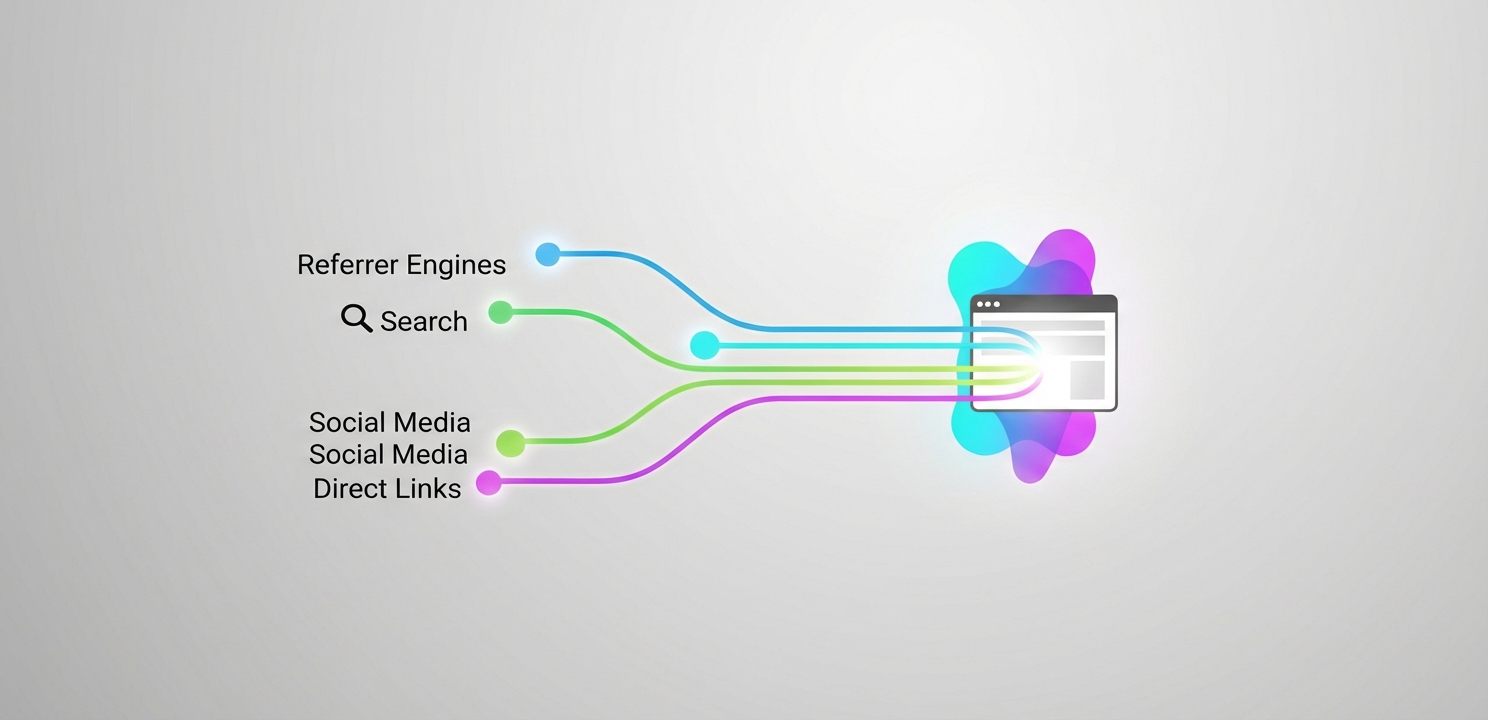
Understanding which channels drive the most traffic to your website is crucial for allocating your marketing resources effectively. If you discover that a particular social media platform is a major source of visitors, you might consider increasing your activity or investing in paid advertising on that channel. Similarly, if organic search drives a significant portion of traffic, it validates your SEO efforts and encourages further investment in keyword strategy and content creation. Analyzing referral data helps you focus on what works and refine or abandon strategies that do not deliver.
Beyond its native statistics reporting, Plesk Panel integrates with powerful third-party tools that offer deeper and more detailed Traffic Analysis capabilities. These applications provide advanced graphical reports and granular data points, allowing for a more sophisticated understanding of your website’s audience and performance. Leveraging these tools can provide a significant competitive advantage by uncovering complex user behavior patterns.





















