


How to Add cPanel Gzip Plugin
Leveraging the cPanel Gzip Plugin is a crucial step in optimizing your website’s performance by enabling Gzip compression. This powerful feature significantly reduces the file size of your site’s content, which directly translates into faster loading times for your visitors. When a user’s browser requests a page from your website, the server compresses the files before sending them, resulting in a much smaller data transfer. This process is essential for improving the user experience, as faster websites tend to retain visitors more effectively. Furthermore, efficient data compression helps in managing your hosting resources by lowering bandwidth consumption, a considerable advantage for sites with substantial traffic.
The core function of Gzip compression is to decrease the size of text-based files such as HTML, CSS, and JavaScript. By compressing these assets, you reduce the overall amount of data that needs to be transmitted over the network. When a browser receives these compressed files, it quickly decompresses them before rendering the content to the user. This entire operation happens seamlessly in the background but yields a noticeable improvement in how quickly your pages become interactive. Given that page speed is a confirmed ranking factor for major search engines, enabling Gzip is not just a performance tweak but also a valuable SEO enhancement. Implementing this feature through cPanel is a straightforward process that offers substantial rewards for your website’s efficiency and search engine visibility.
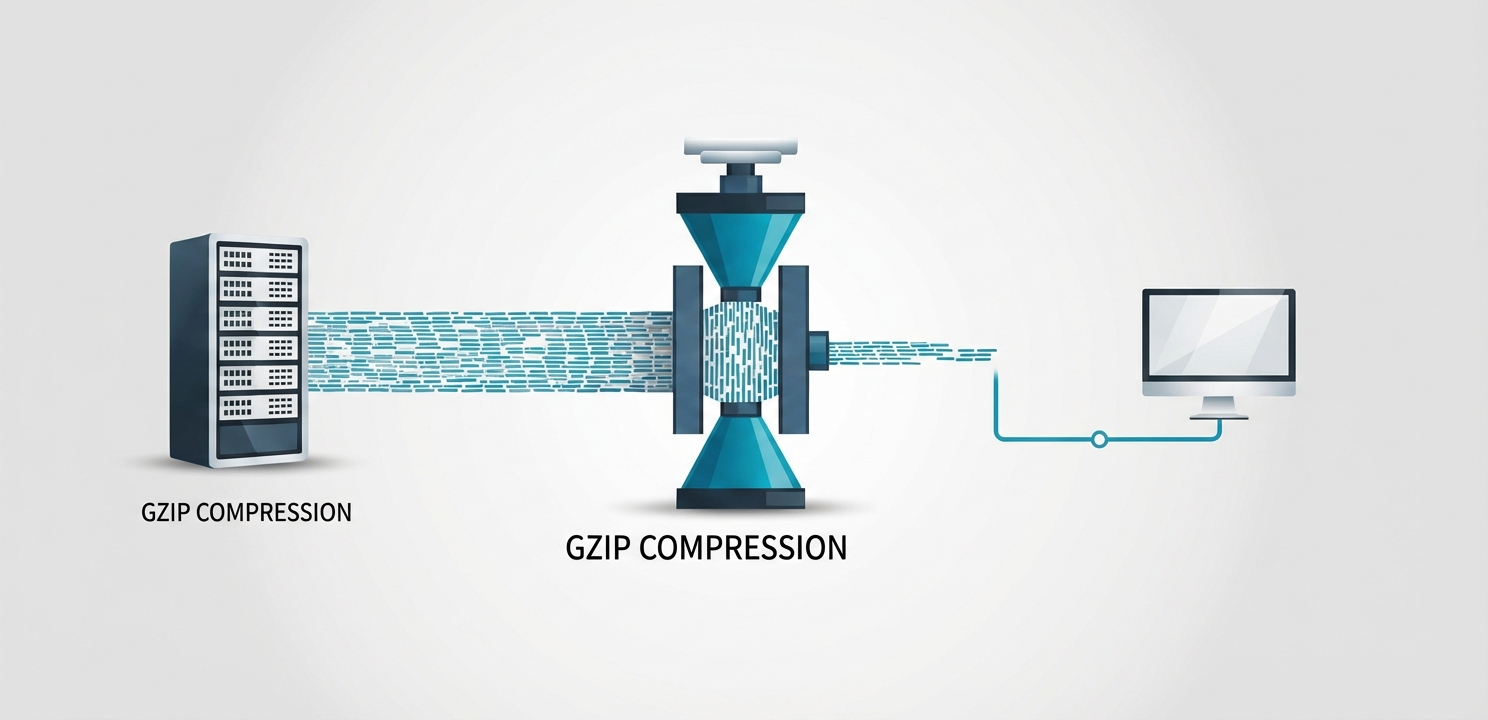
Gzip compression operates by identifying and temporarily replacing duplicate strings of code within your text-based files. This algorithm, detailed in specifications like RFC 1952, is remarkably efficient at reducing the size of common web files without losing any information. When a user visits your website, their browser signals its ability to handle compressed content by sending a specific header in the HTTP request. The server, seeing this header, uses Gzip to compress the requested HTML, CSS, and JavaScript files on the fly. These smaller files are then transmitted across the internet to the user’s browser. Upon arrival, the browser decompresses the files back to their original state and displays the webpage. This entire compression and decompression cycle is incredibly fast and results in a significant reduction in the time it takes to download the necessary page assets, thereby speeding up the overall page load time.
The Gzip compression feature available within cPanel, often referred to as the cPanel Gzip Plugin or “Optimize Website” tool, provides a user-friendly interface to control this server-level functionality. Instead of manually editing server configuration files like `.htaccess`, you can enable sitewide compression with just a few clicks. This tool allows you to instruct the server to automatically compress all content or specific types of content before it is sent to visitors. Activating this feature is highly recommended as it streamlines the optimization process, ensuring that your website consistently delivers content in the most efficient manner possible. This automation enhances performance without requiring deep technical knowledge, making it an accessible and powerful tool for any website owner.

Enabling Gzip compression through your cPanel account is an easy yet highly effective method for improving your website’s performance. The steps involved are simple and can have an immediate positive impact on your site’s loading speed and resource usage. Follow this detailed tutorial to activate the feature correctly.
Activating Gzip compression provides several significant advantages that contribute to a better-performing and more efficient website. These benefits range from improved user experience to better resource management, making it an essential optimization for any modern website.
The primary and most impactful benefit of using Gzip compression is the dramatic reduction in page load times. By shrinking the size of your HTML, CSS, and JavaScript files, you decrease the amount of time required for a visitor’s browser to download your website’s assets. Faster loading pages lead to a much better user experience, which can significantly lower your bounce rate and increase visitor engagement. In an era where user attention spans are short, providing a fast and responsive website is critical for retaining your audience.
Another major advantage of compressing your website’s files is the significant reduction in bandwidth usage. Because the files being transferred from your server are smaller, they consume less data. This is particularly beneficial for website owners on hosting plans with limited bandwidth, as it can help prevent overage charges. Furthermore, for visitors on slow internet connections or mobile devices with data caps, a Gzip-enabled site provides a much more accessible and cost-effective browsing experience by using less of their data allowance to load pages.
Search engines like Google use page speed as a key ranking signal in their algorithms. A faster website is more likely to rank higher in search engine results pages (SERPs) than a slower competitor. By enabling Gzip compression, you directly improve one of the core metrics that search engines evaluate. This can lead to increased organic visibility, driving more traffic to your site. Therefore, enabling Gzip is not just a technical improvement but a strategic SEO practice that can enhance your website’s overall online presence and authority.





















