
Does a VPN show up on your bill? Carriers don’t charge a separate fee because you use a VPN. However, the data a VPN uses counts against your plan, and in some cases more data may be used than you expect. Also, if you’ve subscribed to a paid VPN app, that fee is charged separately through the app store or your card.
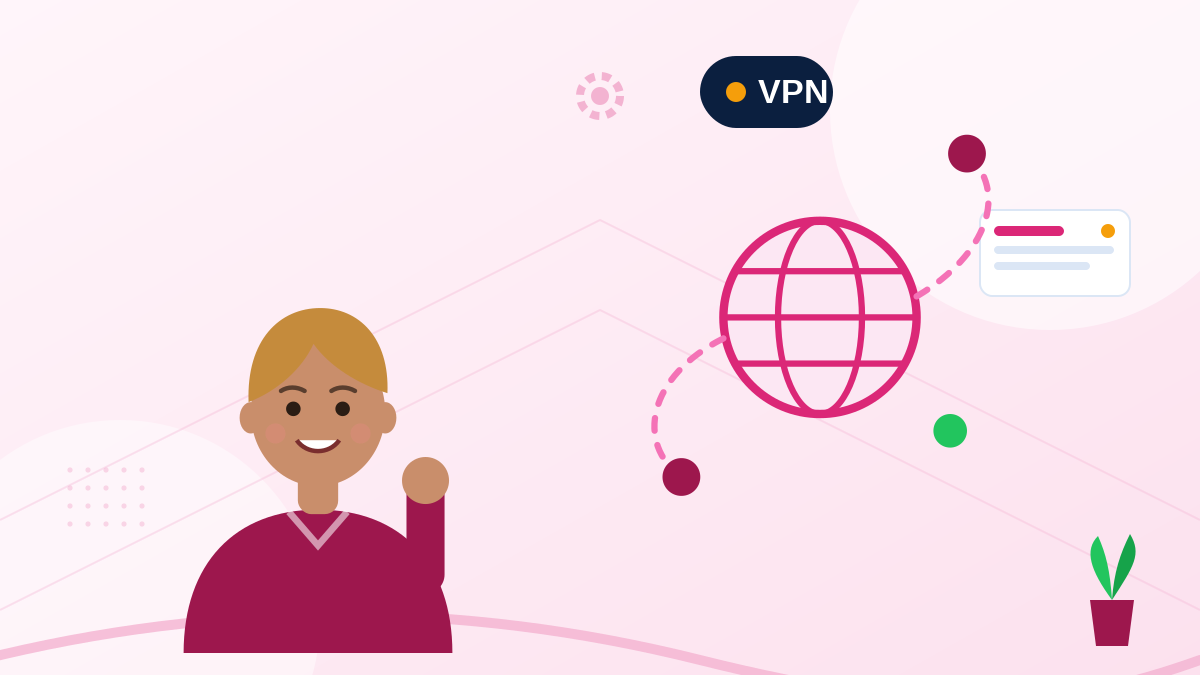
In this article we explain how a VPN can affect your bill, what to watch out for when using a VPN on mobile data and how to avoid extra charges.
How Can VPN Use Affect Your Bill?
| Situation | Effect on the bill |
|---|---|
| VPN over Wi-Fi | Doesn’t affect your mobile bill; it uses your home internet allowance. |
| VPN on mobile data | The data used comes out of your plan’s data allowance. |
| Unlimited social media / app bundles | Because VPN traffic is encrypted, the carrier can’t identify the app; this traffic usually comes out of your main data allowance. |
| Use after the allowance runs out | Depending on your plan, overage charges or speed throttling may apply. |
| Roaming abroad | Roaming data is used; a VPN doesn’t change this. |
| Paid VPN subscription | Appears on your app store or card statement, not your carrier bill (it may be added to the bill if you chose carrier billing). |
Does a VPN Use More Data?
Yes, a little. Because a VPN encrypts your data and wraps it with extra information, slightly more data is used for the same content. This overhead depends on the protocol and is usually somewhere between a few percent and fifteen percent. In daily use the difference is small, but your allowance can shrink faster when watching video or downloading large files.
The Catch with “Unlimited” Bundles
On some plans, certain apps (social media, messaging, music) don’t count against your allowance. The carrier does this by recognising which app the traffic belongs to. With a VPN on, the traffic is encrypted, so the carrier can’t tell the apps apart and this usage may come out of your general data allowance. If your allowance runs out unexpectedly, this may be why.
Tips for Using a VPN on Mobile Data
- Check your remaining data regularly in your carrier’s app.
- Look at how much mobile data the VPN app uses in your phone’s settings.
- Lower video quality and turn off video autoplay.
- Turn the VPN off when you don’t need it. For the steps, see our article how to turn off a VPN.
- Find out from your plan what happens when the allowance runs out (overage charges or throttling) and, if needed, ask for overage charges to be blocked.
Can a Free VPN Bring Hidden Charges?
Free VPNs downloaded from trusted stores don’t add charges to your bill directly; however, some switch to a paid subscription automatically when the trial ends. You can check subscriptions on iPhone under Settings > Your name > Subscriptions, and on Android under Play Store > Profile > Payments & subscriptions. Some free VPNs may also make money by processing your data; always read the privacy policy.
For what a VPN is and how it works, see what is a VPN, and for setup, how to turn on a VPN on your phone.
Frequently Asked Questions
Can my carrier see that I use a VPN?
The carrier can see that you’re connected to a VPN server and how much data you use, but it can’t see the content of the traffic inside the VPN.
Can a VPN give me free internet?
No. A VPN doesn’t let you exceed your plan or allowance; the data used always comes out of your bundle.
Will turning off the VPN lower my bill?
Turning off the VPN only removes the VPN’s extra data overhead. Your bill is determined by your plan and the total data you use.
Related guides
Categories
-
 CentOS
7 guides
-
 cPanel
20 guides
-
 CyberPanel
18 guides
-
 Operating Systems
82 guides
-
 Juniper Networks
18 guides
-
 Control Panels
50 guides
-
 Linux
17 guides
-
 MySQL
29 guides
-
 Network
97 guides
-
 Plesk Panel
12 guides
-
 Virtual Servers
273 guides
-
 SEO
3 guides
-
 Cyber Security
10 guides
-
 Technology
165 guides
-
 VMware
36 guides
-
 WordPress
20 guides
-
 Artificial Intelligence
22 guides