
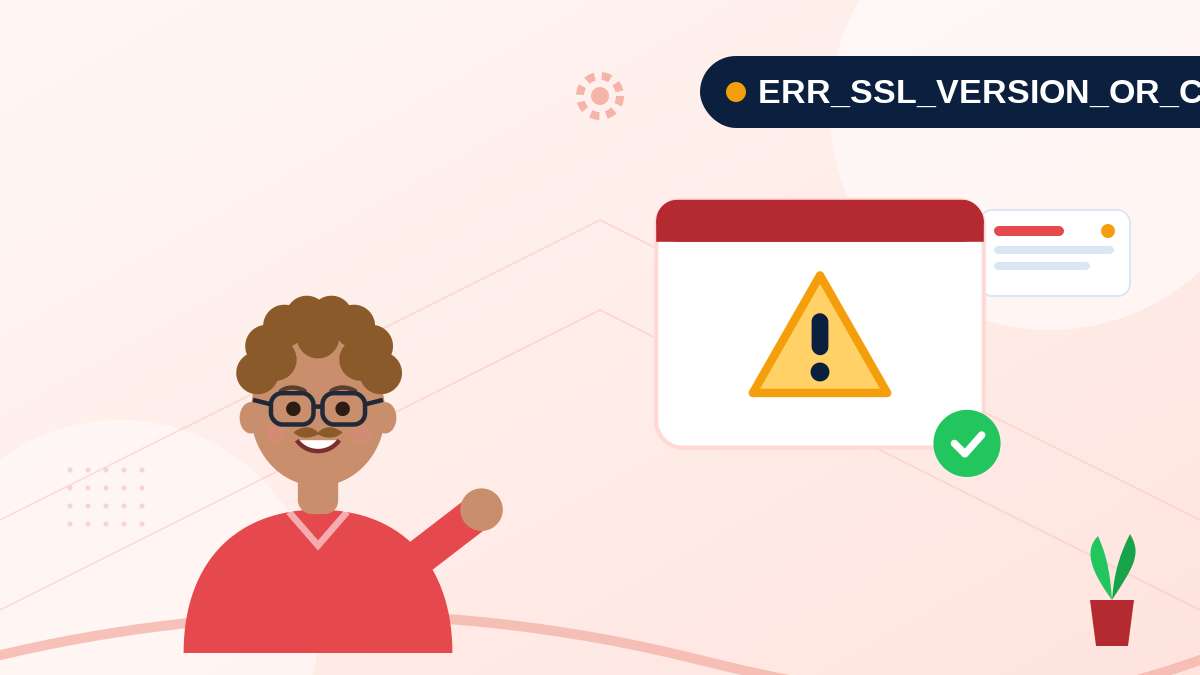
ERR_SSL_VERSION_OR_CIPHER_MISMATCH is an SSL error seen in Chromium-based browsers such as Chrome and Edge. It occurs when the browser and the server can’t agree on a common TLS version or encryption method (cipher). The error screen usually says “This site can’t provide a secure connection” and “The client and server don’t support a common SSL protocol version or cipher suite”.
In this article we explain the causes of the error, what you can do as a visitor and what needs to be done on the server side if you own the site.
Why Does the Error Occur?
- The server uses old TLS versions: current browsers don’t support TLS 1.0 and 1.1. A connection can’t be made to servers that only offer these versions.
- Weak or outdated ciphers: insecure cipher suites such as RC4 and 3DES are rejected by browsers.
- Certificate and domain mismatch: this error can appear if the server can’t present the correct certificate for the requested domain (e.g. an SNI configuration error).
- No certificate yet on the CDN or proxy: if the domain or subdomain was recently added to a CDN, the certificate on the edge server may not be ready yet.
- Multi-level subdomains: some CDNs’ free certificates only cover first-level subdomains (e.g. www.example.com); addresses like a.b.example.com may fall outside their scope.
- Client-side problems: a very old browser or operating system, antivirus software that inspects HTTPS traffic, or a corrupted browser cache.
If You’re a Visitor: Quick Fixes
- Try another browser or device. If you get the same error everywhere, the problem is with the site; let the site owner know.
- Update your browser and operating system.
- Make sure the date and time are correct.
- Clear the browser cache: in Chrome, Settings → Privacy and security → Delete browsing data.
- Clear the SSL state on Windows: Internet Options → Content → Clear SSL state.
- Temporarily turn off your antivirus’s HTTPS scanning. If that solves it, update the antivirus or adjust the setting permanently.
- Try disabling the QUIC protocol: in Chrome, turn off “Experimental QUIC protocol” on the
chrome://flagspage and restart the browser.
Don’t enter passwords or payment details on a site showing this error.
If You Own the Site: Server-Side Fixes
1. Check the TLS versions
Your server should support at least TLS 1.2, preferably TLS 1.3. Example for Nginx:
ssl_protocols TLSv1.2 TLSv1.3;For Apache:
SSLProtocol -all +TLSv1.2 +TLSv1.32. Use modern cipher suites
The “Intermediate” profile in Mozilla’s SSL Configuration Generator is a secure starting point compatible with current browsers. Remove RC4, 3DES and EXPORT ciphers.
3. Verify that the certificate covers the domain
Make sure the certificate covers both example.com and www.example.com, plus any subdomains you use. If several sites share the same IP, check the SNI configuration.
4. If you use a CDN
- Check in the CDN dashboard that the edge certificate is active for your domain; for newly added domains, issuing the certificate can take some time.
- Multi-level subdomains may need a separate certificate that covers that subdomain.
5. Test
Test the protocols, cipher suites and certificate chain your server supports with free tools such as Qualys SSL Labs.
Similar SSL Errors
- ERR_SSL_PROTOCOL_ERROR: usually the SSL handshake failing completely.
- Your connection is not private: the certificate is invalid, expired or doesn’t match the domain.
- Safari can’t establish a secure connection: the similar error in Safari.
Frequently Asked Questions
Is this error caused by my computer?
If the error only appears on your device, it’s caused by the browser, antivirus or operating system. If it also appears on other devices and networks, the problem is on the site’s server.
Is re-enabling TLS 1.0 and 1.1 a solution?
No. These versions are considered insecure and current browsers don’t support them; updating the server to TLS 1.2 and 1.3 is the right solution.
Why does this error appear on a site using Cloudflare?
The most common reasons are that the edge certificate hasn’t been issued yet or that a multi-level subdomain falls outside the free certificate’s coverage.
Related guides
Categories
-
 CentOS
7 guides
-
cPanel
20 guides
-
CyberPanel
18 guides
-
Operating Systems
82 guides
-
Juniper Networks
18 guides
-
Control Panels
50 guides
-
Linux
17 guides
-
MySQL
29 guides
-
Network
95 guides
-
Plesk Panel
12 guides
-
Virtual Servers
273 guides
-
SEO
3 guides
-
Cyber Security
9 guides
-
Technology
162 guides
-
VMware
36 guides
-
WordPress
20 guides
-
Artificial Intelligence
22 guides